
/
/

Combine multiple PDF files into a single unified document with custom sequencing.

Separate one page or an entire set for easy conversion into independent PDF files.


Sort, reorder, delete, and organize PDF pages visually in your browser canvas.
Fast In-Browser PDF & Image Engine
Merge, compress, and edit documents locally in memory with 100% private zero-upload technology.

Delete unwanted or blank pages from your PDF file and save a clean copy.

Extract selected pages from a PDF and save them as independent documents.

Rotate individual pages or entire documents permanently and save the orientation.

Convert PDF documents to editable Microsoft Word (.docx) files directly in your browser. Preserves paragraphs, tables, and typography without uploading your confidential files to remote cloud servers.

Transform PDF slides and presentations into fully editable Microsoft PowerPoint (.pptx) decks. Retains layout structures and graphics client-side with complete privacy and zero upload waiting time.

Extract structured tables and financial data from PDF reports into clean Microsoft Excel (.xlsx) spreadsheets. Reconstructs rows and columns in browser memory with zero data transmission.

Convert Microsoft Word documents (.doc, .docx) into universally compatible, print-ready PDF files. Ensures consistent document formatting across all devices with instant, private local processing.

Save PowerPoint presentations (.ppt, .pptx) as high-definition, shareable PDF documents. Preserves slide geometry, fonts, and graphics with 100% in-browser conversion and no server queues.

Convert Excel spreadsheets (.xls, .xlsx) into neatly formatted, paginated PDF reports. Perfect for audits, financial statements, and executive summaries with complete client-side data security.

Extract pages from your PDF documents and render them as crisp, high-resolution JPG images. Choose individual pages or export all pages simultaneously with fast client-side rendering.

Combine and convert JPG and JPEG photos into a single unified, professional PDF document. Adjust orientation, margins, and page order locally with zero cloud uploads.

Convert web pages to PDF documents with high accuracy.

Scan documents from your smartphone to your browser.

Turn PDF into clean .md file in seconds. Headings, tables, lists, and links stay intact, ready to share, reuse in LLMs or anywhere.

Edit PDF by adding text, shapes, comments and highlights. Your secure and simple tool to edit PDF.

Sign yourself or request electronic signatures from others.

Protect intellectual property and brand sensitive documents by adding custom text or image watermarks. Configure opacity, position, and rotation with real-time visual previews in browser memory.

Number your PDF pages with precision formatting, custom typography, and flexible positioning. Ideal for legal filings, academic theses, and multi-page business reports with zero server exposure.

Trim unwanted page margins, white space, and header borders from your PDF documents with intuitive visual handles. Crop individual pages or apply uniform dimensions across all pages simultaneously.

Automatically create fillable PDFs or fill PDF forms with editable and interactive text fields, checkboxes, radio buttons, and lists.

Shrink large PDF file sizes dramatically while maintaining crisp text and image clarity. Select optimal compression presets to meet strict email attachment and portal upload limits without cloud exposure.

Recover damaged PDFs by stripping download corruption, restoring missing EOF markers, and rebuilding xref cross-reference tables.

Embed ISO-standardized XMP archival identification metadata into PDF documents in browser memory. Note: Formal ISO 19005 compliance verification requires dedicated offline preflight tools.

Standard AES-256 PDF password encryption is disabled in the free browser-only version to prevent generating unencrypted files.

Client-side AES-256 PDF decryption is disabled in browser-only mode without native cryptographic binaries.

Remove sensitive content from PDFs

Recognises text in scanned PDFs and adds an invisible, searchable text layer. Runs in your browser; your file is not uploaded. Works best on clear printed text. Handwriting and low-quality scans may be inaccurate.

Extract key takeaways, executive summaries, and core insights from dense PDF documents in seconds. Process contracts, research papers, and technical reports locally without sharing private data.

Translate PDF text across multiple international languages while maintaining paragraph structure and reading flow. Review translated passages directly in your browser with private local processing.

Easily display the differences between two similar files.
Combine, split, compress, edit, and secure your PDF files completely within your web browser.
Choose your PDF files or drop them directly into the browser workspace area. Batch select up to 20 files.
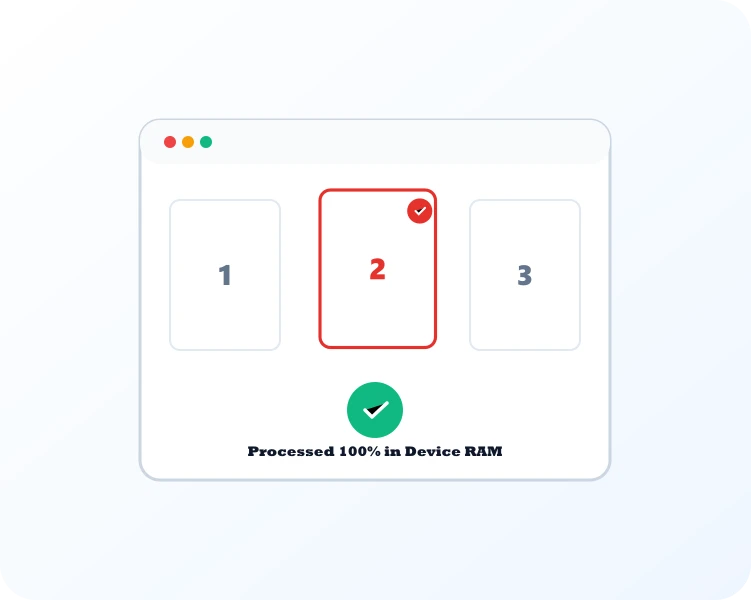
Client-side PDF-Lib and pdfjs engines reorder, compress, or encrypt your pages in private browser memory.

Instantly save your compiled, optimized, or converted PDF documents directly to your local storage.

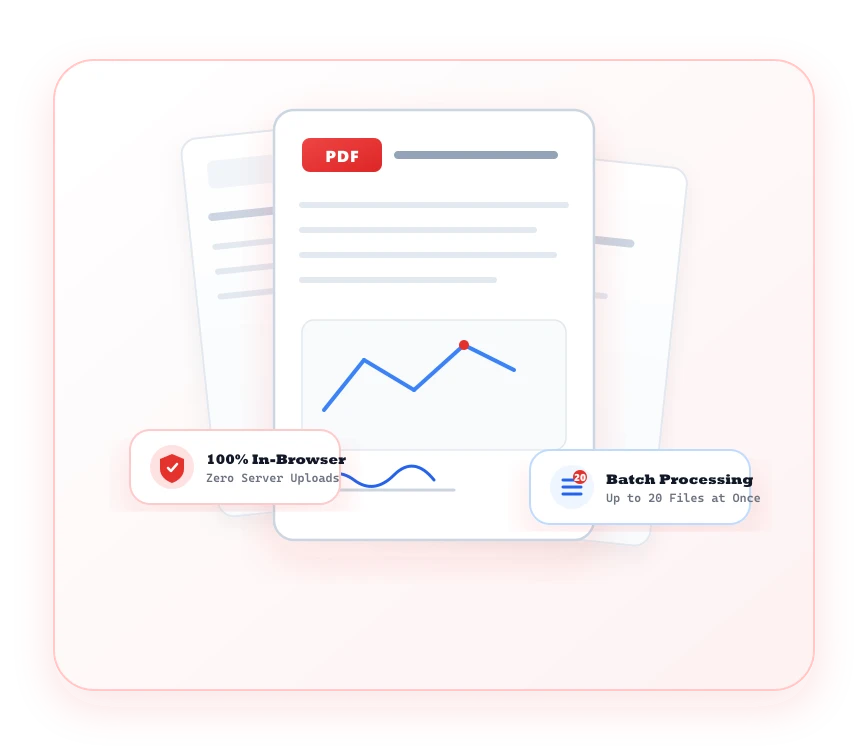
Enterprise-grade PDF workflows with uncompromising document privacy, zero server queues, and full browser performance.
Sensitive contracts, financial filings, and personal records never leave your machine or touch cloud servers.
Organize, combine, split, or compress up to 20 PDF documents simultaneously with visual preview cards.
Retain crisp vector graphics, embedded typefaces, form fields, and high-DPI scans during document operations.
No costly desktop licenses or bloated software downloads. Run high-performance PDF manipulation in your browser.
Common questions about our PDF Tools suite, privacy, and limits.
No. All PDF processing runs locally in your web browser memory. Documents are never transmitted, stored, or indexed on external cloud servers.
Yes. For encrypted documents, enter your authorized password in the workspace to decrypt and manipulate pages locally in memory.