
/
/
Safeguard confidential information with client-side document protection tools. Lock documents with passwords, unlock authorized files, and redact private details.
Select a specialized tool below to begin processing immediately.

Standard AES-256 PDF password encryption is disabled in the free browser-only version to prevent generating unencrypted files.

Client-side AES-256 PDF decryption is disabled in browser-only mode without native cryptographic binaries.


Remove sensitive content from PDFs
Fast In-Browser PDF & Image Engine
Merge, compress, and edit documents locally in memory with 100% private zero-upload technology.
Apply 256-bit AES encryption, remove known passwords, and sanitize metadata completely within your web browser.
Choose the sensitive document you wish to encrypt, unlock, or sanitize in our secure sandbox workspace.
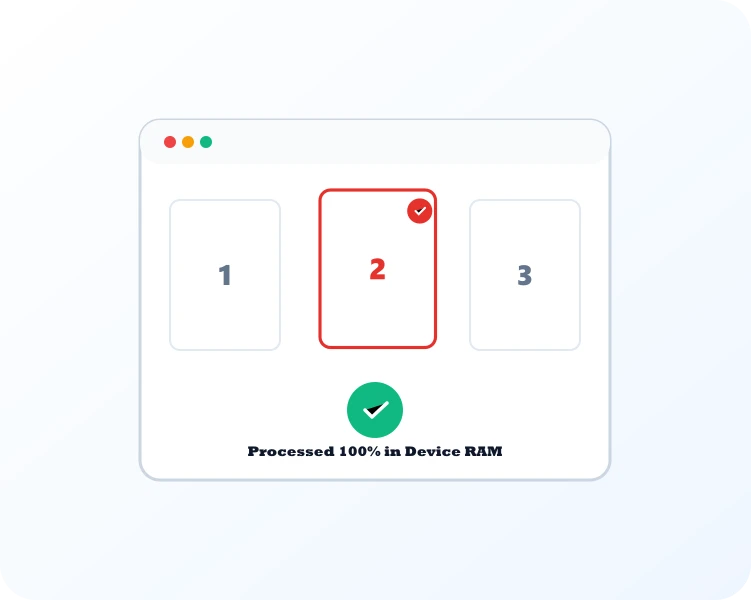
Standard 256-bit AES encryption or authorized password decryption executes locally in browser memory.

Download your password-protected or unlocked PDF immediately. Keys and passwords are never transmitted.
Select Protect PDF to lock files against unauthorized viewing, Unlock PDF to remove known passwords, or Redact PDF to cover sensitive details.

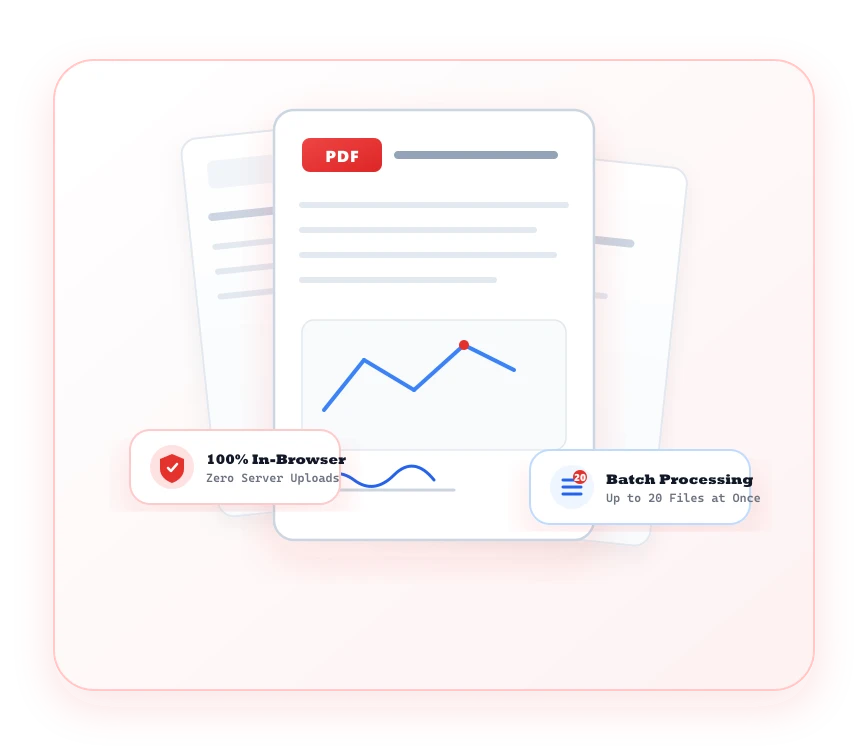
Protect mission-critical documents with military-grade encryption without ever exposing passwords to external servers.
Secure legal contracts and financial files with industry-standard owner and user password permissions.
Encryption routines execute purely in local RAM. Your confidential passwords are never logged or transmitted.
Strip hidden author tags, revision histories, bookmarks, and invisible metadata before public distribution.
Restrict unauthorized printing, content copying, and form modification with configurable security flags.
Common questions regarding PDF Security tools and client-side processing.
The suite provides Protect PDF with passwords, Unlock PDF for authorized access, Sign PDF with digital signatures, Redact PDF, and Compare PDF.
It compares two revisions of a PDF side-by-side, visually highlighting text additions, deletions, and formatting differences.