
/
/
Organize your PDF files with high-precision in-browser tools. Combine separate files, break apart documents by page ranges, reorder pages visually, or strip out unnecessary pages with zero cloud uploads.
Select a specialized tool below to begin processing immediately.

Combine multiple PDF files into a single unified document with custom sequencing.

Separate one page or an entire set for easy conversion into independent PDF files.


Sort, reorder, delete, and organize PDF pages visually in your browser canvas.
Fast In-Browser PDF & Image Engine
Merge, compress, and edit documents locally in memory with 100% private zero-upload technology.

Delete unwanted or blank pages from your PDF file and save a clean copy.

Extract selected pages from a PDF and save them as independent documents.

Rotate individual pages or entire documents permanently and save the orientation.
Merge documents, extract page ranges, remove unwanted sheets, and rotate orientation in three simple steps.
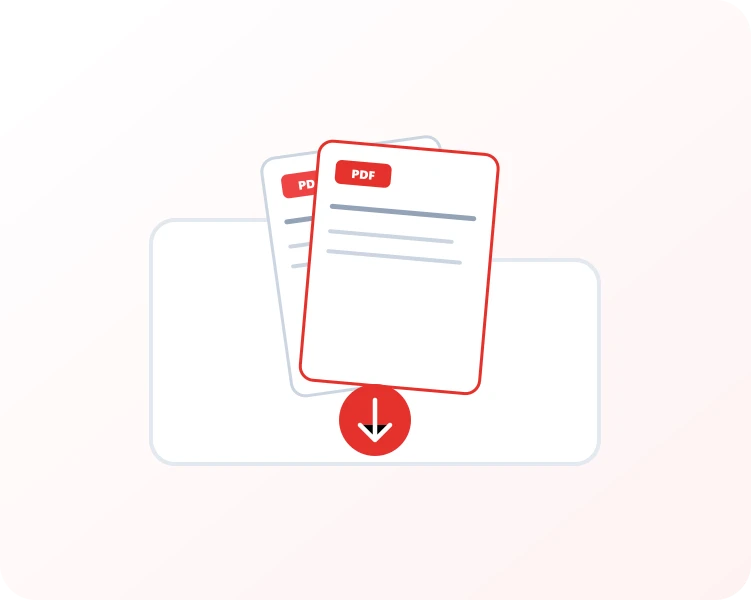
Choose one or multiple PDF documents to organize. Batch arrange up to 20 files in a single session.
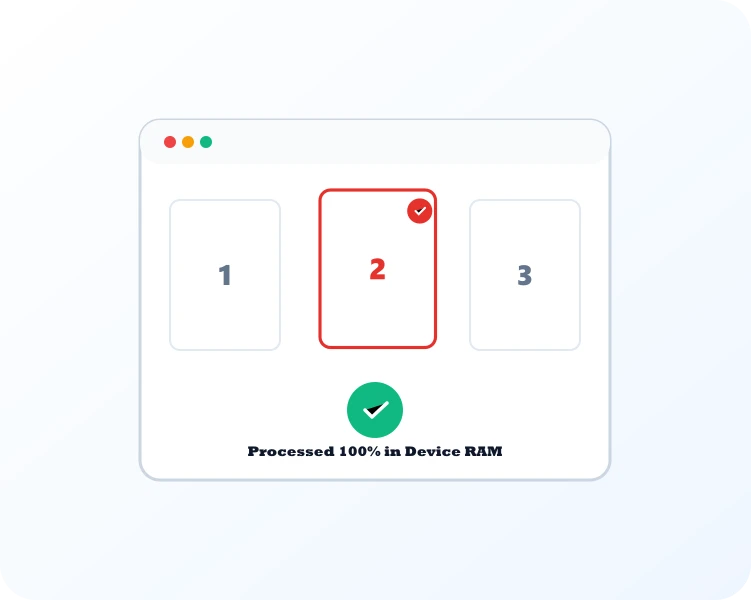
Drag page thumbnails into your preferred sequence, delete unneeded pages, or specify split boundaries.
Click to compile and download your restructured PDF document instantly with zero cloud exposure.
Select Merge PDF to join multiple documents, Split PDF to separate pages into distinct files, or Organize PDF to reorder pages interactively.

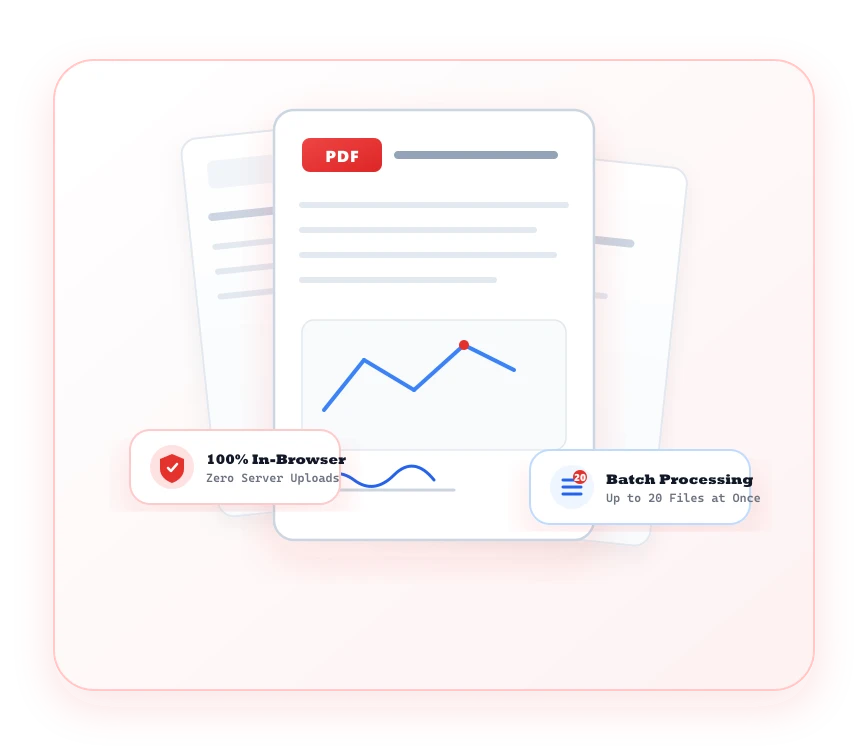
Enjoy complete page-level control over your PDF documents without sharing confidential data with third-party servers.
Interactive page cards allow you to reorder, rotate, or delete individual pages with intuitive visual feedback.
All document assembly and page restructuring happens directly in your browser without uploading to external servers.
Extract custom page intervals or split long multi-chapter reports into standalone documents in seconds.
Merge up to 20 PDF documents at once without queue delays, file size paywalls, or quality degradation.
Common questions regarding PDF Organizer tools and client-side processing.
The category includes Merge PDF, Split PDF, Organize PDF, Remove Pages, Extract Pages, and Rotate PDF for comprehensive page-level management.
Use the Split PDF or Extract Pages tool to input specific page numbers or ranges (e.g. 1-5, 8, 12) for instant extraction.