
/
/
Reduce PDF file sizes for quick email delivery and archival while retaining crisp font rendering and image clarity. Repair corrupted streams or format for archiving.
Select a specialized tool below to begin processing immediately.

Shrink large PDF file sizes dramatically while maintaining crisp text and image clarity. Select optimal compression presets to meet strict email attachment and portal upload limits without cloud exposure.

Recover damaged PDFs by stripping download corruption, restoring missing EOF markers, and rebuilding xref cross-reference tables.


Embed ISO-standardized XMP archival identification metadata into PDF documents in browser memory. Note: Formal ISO 19005 compliance verification requires dedicated offline preflight tools.
Fast In-Browser PDF & Image Engine
Merge, compress, and edit documents locally in memory with 100% private zero-upload technology.
Shrink oversized PDF attachments and repair corrupted documents with smart client-side algorithms.
Upload large reports, scanned manuals, or damaged PDFs up to 100 MB each into the optimizer workspace.
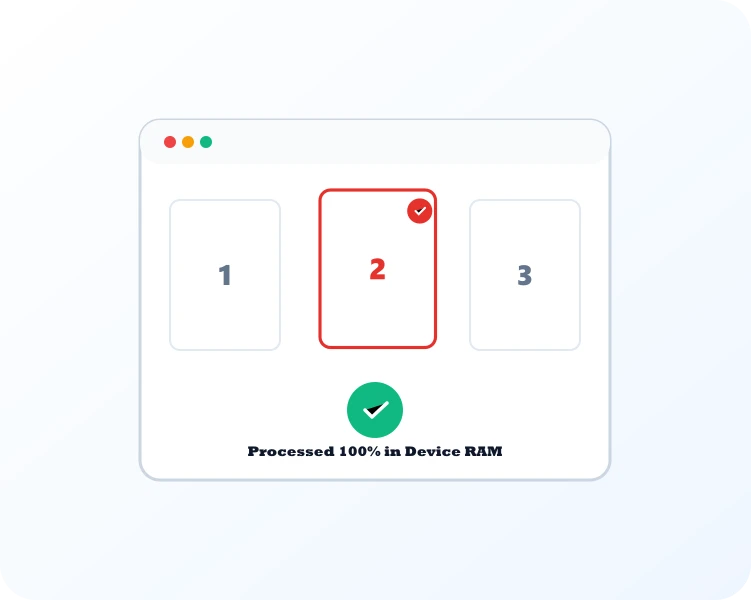
Embedded streams are recoded, redundant fonts stripped, and corrupted cross-reference tables rebuilt.
Save your compressed document with significant size reduction while maintaining high visual clarity.
Use Compress PDF to reduce document weight, Repair PDF to rebuild damaged cross-reference tables, or PDF to PDF/A for long-term archiving.

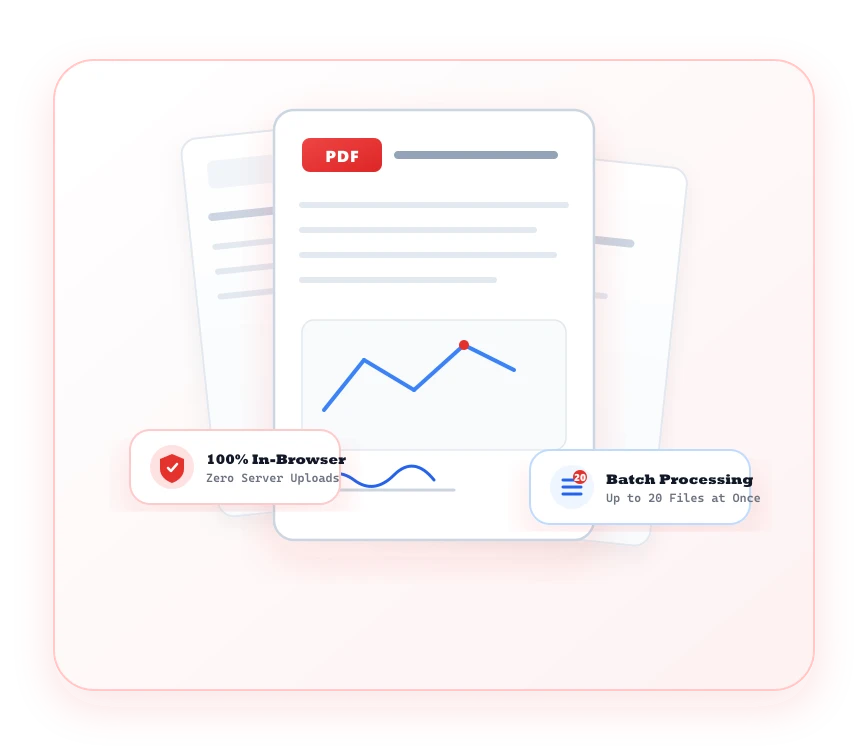
Drastically reduce file weights for email sending and web portals without sacrificing text sharpness or image quality.
Reduce document footprint by up to 70% by optimizing embedded raster assets and stripping metadata bloat.
Recover unreadable PDF files by rebuilding corrupted xref tables and repair damaged header structures.
Optimization happens in client memory. No corporate records or audit materials are sent across the web.
Produce compliant, lightweight documents guaranteed to fit within strict enterprise email attachment caps.
Common questions regarding PDF Optimizer tools and client-side processing.
The category features Compress PDF to reduce file size, Repair PDF to fix corrupted files, and OCR PDF to make scanned documents searchable.
Yes. You can select recommended, extreme, or low compression levels depending on your target quality and file size needs.