
/
/
Annotate, sign, watermark, crop, and paginate PDF files right in your web browser. Customize fonts, placement, and visual stamps with complete privacy.
Select a specialized tool below to begin processing immediately.

Edit PDF by adding text, shapes, comments and highlights. Your secure and simple tool to edit PDF.

Sign yourself or request electronic signatures from others.


Protect intellectual property and brand sensitive documents by adding custom text or image watermarks. Configure opacity, position, and rotation with real-time visual previews in browser memory.
Fast In-Browser PDF & Image Engine
Merge, compress, and edit documents locally in memory with 100% private zero-upload technology.

Number your PDF pages with precision formatting, custom typography, and flexible positioning. Ideal for legal filings, academic theses, and multi-page business reports with zero server exposure.

Trim unwanted page margins, white space, and header borders from your PDF documents with intuitive visual handles. Crop individual pages or apply uniform dimensions across all pages simultaneously.

Automatically create fillable PDFs or fill PDF forms with editable and interactive text fields, checkboxes, radio buttons, and lists.
Add page numbers, watermark stamps, text notes, and signatures to your PDF documents without installing software.
Open any PDF document in the browser editor workspace. Enjoy instant loading with zero cloud uploads.
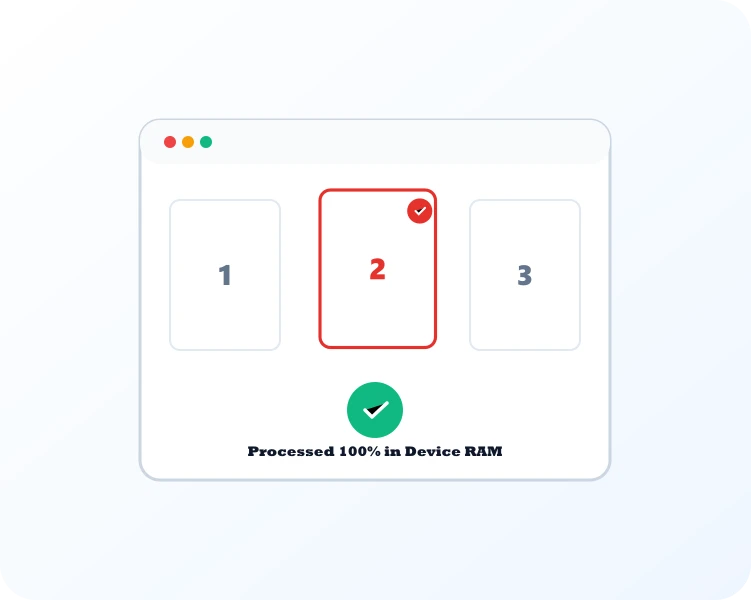
Configure custom page numbering, watermark text or logos, and add annotations with live preview.

Export your enhanced, paginated, or watermarked PDF directly to your device ready for immediate distribution.
Select Sign PDF for legal signatures, Add Watermark for copyright marks, Add Page Numbers for pagination, or Crop PDF to trim margins.

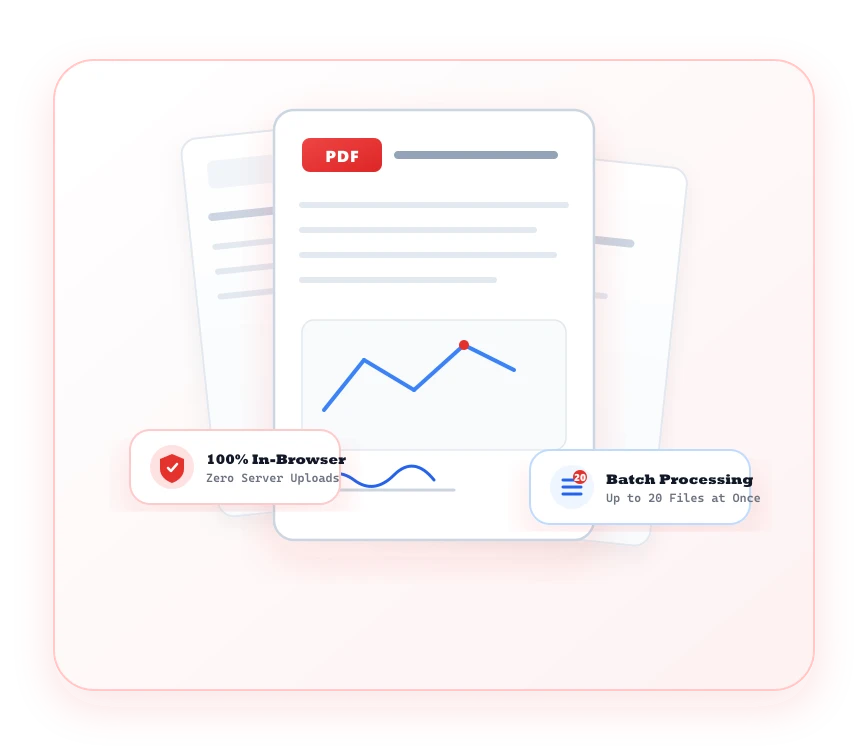
A versatile, lightweight document editor that runs directly in your browser without cumbersome subscriptions.
Protect intellectual property with customizable text or image watermarks, opacity sliders, and position anchors.
Insert professional header and footer pagination with custom numbering styles, offsets, and page exclusions.
Edits take place strictly inside your browser sandbox. Your proprietary drafts remain completely private.
Responsive controls work seamlessly across desktop trackpads, mouse input, and tablet touchscreen pens.
Common questions regarding PDF Editor tools and client-side processing.
You can edit PDF content, add sequential page numbers, apply custom watermarks, crop page boundaries, and fill PDF interactive forms.
Yes. The PDF Forms tool lets you input text into form fields, check checkboxes, select radio buttons, and export filled files.