
/
/
Convert documents between PDF and popular formats including Word, Excel, PowerPoint, JPG images, and scanned pages with zero server upload.
Select a specialized tool below to begin processing immediately.

Convert PDF documents to editable Microsoft Word (.docx) files directly in your browser. Preserves paragraphs, tables, and typography without uploading your confidential files to remote cloud servers.

Transform PDF slides and presentations into fully editable Microsoft PowerPoint (.pptx) decks. Retains layout structures and graphics client-side with complete privacy and zero upload waiting time.


Extract structured tables and financial data from PDF reports into clean Microsoft Excel (.xlsx) spreadsheets. Reconstructs rows and columns in browser memory with zero data transmission.
Fast In-Browser PDF & Image Engine
Merge, compress, and edit documents locally in memory with 100% private zero-upload technology.

Convert Microsoft Word documents (.doc, .docx) into universally compatible, print-ready PDF files. Ensures consistent document formatting across all devices with instant, private local processing.

Save PowerPoint presentations (.ppt, .pptx) as high-definition, shareable PDF documents. Preserves slide geometry, fonts, and graphics with 100% in-browser conversion and no server queues.

Convert Excel spreadsheets (.xls, .xlsx) into neatly formatted, paginated PDF reports. Perfect for audits, financial statements, and executive summaries with complete client-side data security.

Extract pages from your PDF documents and render them as crisp, high-resolution JPG images. Choose individual pages or export all pages simultaneously with fast client-side rendering.

Combine and convert JPG and JPEG photos into a single unified, professional PDF document. Adjust orientation, margins, and page order locally with zero cloud uploads.

Convert web pages to PDF documents with high accuracy.

Scan documents from your smartphone to your browser.

Turn PDF into clean .md file in seconds. Headings, tables, lists, and links stay intact, ready to share, reuse in LLMs or anywhere.
Transform documents between PDF, Word, Excel, JPG, and other major formats directly in your web browser.
Select your PDF or source file from your local disk or drag and drop it into the conversion zone.
Our in-browser parser maps typography, tabular layouts, and vector artwork into your desired target format.

Download your editable Word doc, structured Excel sheet, or high-res images immediately with zero wait.
Choose PDF to Office tools to create editable documents, or Office to PDF tools to create standard presentation documents.

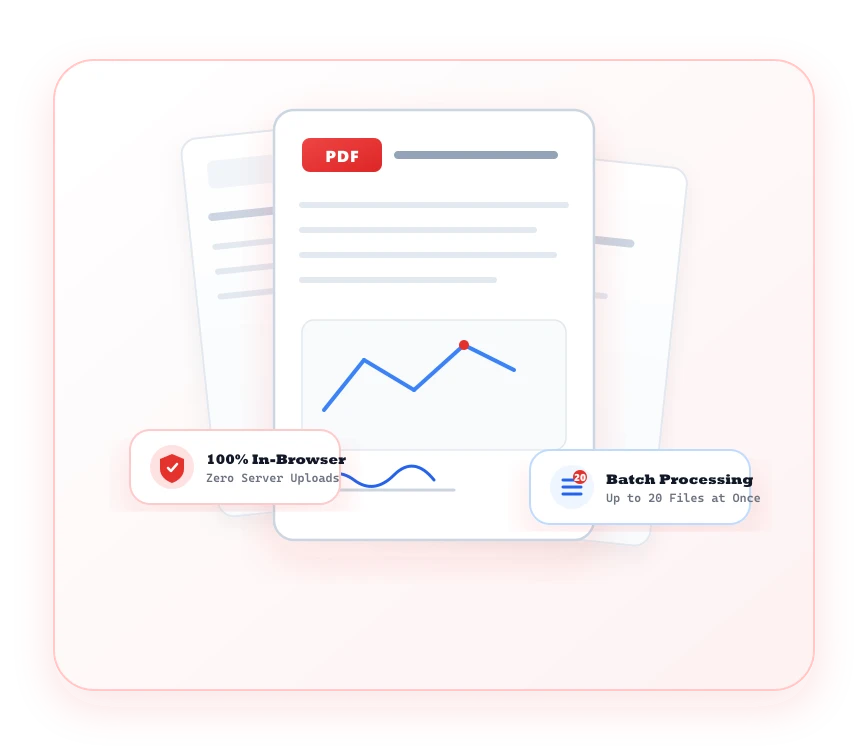
High-fidelity document format interchange that protects sensitive trade secrets, contracts, and spreadsheets.
Maintain table columns, cell formatting, font weights, and document hierarchies during bidirectional conversion.
Your financial statements and proprietary proposals are processed in browser memory and discarded immediately.
Effortlessly switch between PDF and Word, Excel, PowerPoint, JPG, and PNG with dedicated conversion pipelines.
Every converted file is 100% clean and professional with no forced advertising headers, footers, or watermarks.
Common questions regarding PDF Converter tools and client-side processing.
You can convert PDFs to Word, Excel, PowerPoint, JPG, and PDF/A, or convert Word, Excel, PowerPoint, JPG, HTML, and scans into standard PDFs.
Yes. The Scan to PDF tool allows you to capture documents from your webcam or mobile camera and convert them into clean PDF pages.