
/
/
Shrink photo file sizes and adjust pixel dimensions for web publishing, social media, and digital records with complete in-browser privacy.
Select a specialized tool below to begin processing immediately.

Reduce JPG, PNG, and WebP image file sizes by up to 80% without noticeable visual quality loss. Optimize website assets and social media uploads directly in your browser memory.

Change image pixel dimensions and aspect ratios for web publishing, avatars, or print specifications. Scale width and height with bicubic resampling directly on your device.


Enhance image resolution and sharpen fine details using smart client-side reconstruction algorithms. Enlarge small graphics and low-res photos for crisp display without sending images to remote servers.
Fast In-Browser PDF & Image Engine
Merge, compress, and edit documents locally in memory with 100% private zero-upload technology.
Shrink image weights, resize dimensions, and crop photos for web publication in three quick steps.
Pick JPEG, PNG, or WebP files from your camera or computer. Batch process up to 20 images at once.
Adjust visual quality sliders, set exact target dimensions, or select predefined aspect ratios.
Download individual optimized files or a neatly structured ZIP archive ready for instant web publishing.
Select Compress Image to reduce byte weight without visible quality loss, or Resize Image to scale width and height dimensions.

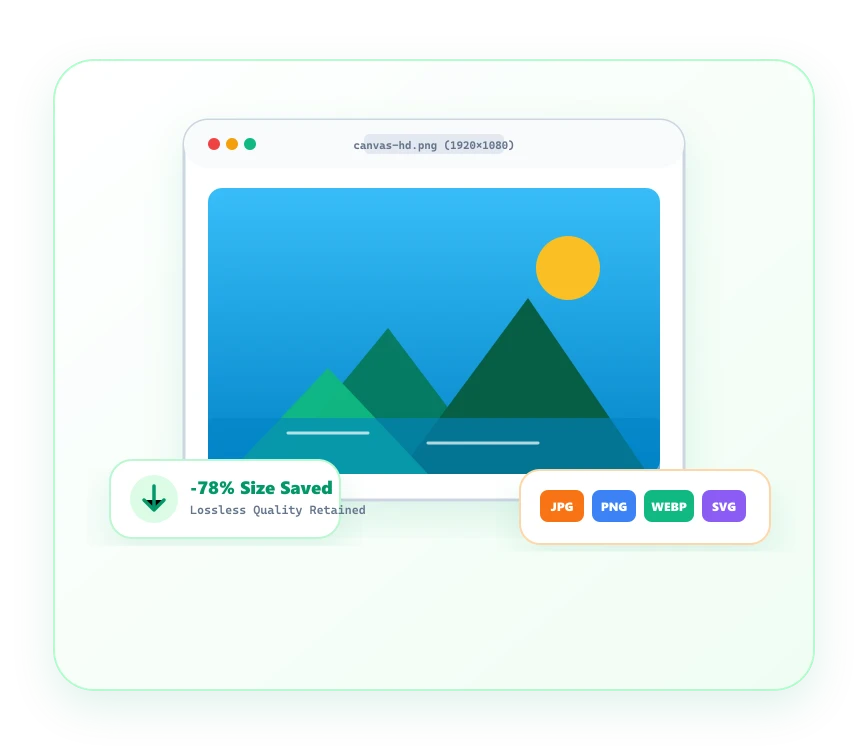
Boost website performance and speed up asset delivery with sharp, lightweight image compression.
Reduce image payloads by up to 80% while keeping photographs, banners, and icons visually indistinguishable.
Bicubic canvas interpolation scales banner photography smoothly without pixelation or color artifacts.
Personal camera photos and brand mockups are never uploaded to remote servers or stored in third-party clouds.
Compress, resize, or convert entire galleries of up to 20 images simultaneously with one single click.
Common questions regarding Image Optimizer tools and client-side processing.
The category includes Compress Image to reduce file weight, Upscale Image to increase resolution, and Remove Background.
Yes. Upload up to 20 images at once to compress your entire photo set and download them in a convenient ZIP archive.