
/
/
Crop borders, rotate orientations, apply photo enhancements, and generate graphics directly in your browser with zero server processing.
Select a specialized tool below to begin processing immediately.

Adjust brightness, contrast, saturation, filters, and crop angles in a full-featured visual workspace. Polish personal photos and promotional graphics privately without installing desktop software.

Crop photos and graphics to custom aspect ratios, square avatar shapes, or standard social media dimensions. Drag interactive boundary handles with real-time visual feedback.


Rotate pictures 90, 180, or 270 degrees clockwise or counterclockwise to fix upside-down or sideways photos. Save reoriented images instantly with zero compression artifacts.
Fast In-Browser PDF & Image Engine
Merge, compress, and edit documents locally in memory with 100% private zero-upload technology.

Isolate subjects and create transparent PNG backgrounds from portraits, product shots, and graphics. Runs advanced client-side edge detection algorithms with zero server image retention.

Create viral, hilarious memes using popular templates or custom image uploads. Customize bold impact typography, font colors, and outlines with immediate real-time rendering.
Rotate orientation, flip axes, add custom watermarks, or create memes with immediate real-time visual feedback.
Upload your photo or creative graphic into the interactive canvas workspace. Loads instantly from memory.
Rotate 90°, flip horizontally, position watermark logos, or type customizable top/bottom meme captions.
Save your modified artwork directly to your device with original resolution and crisp sharpness.
Choose Crop Image to cut frames, Rotate Image to change orientation, or Photo Editor for color and lighting adjustments.

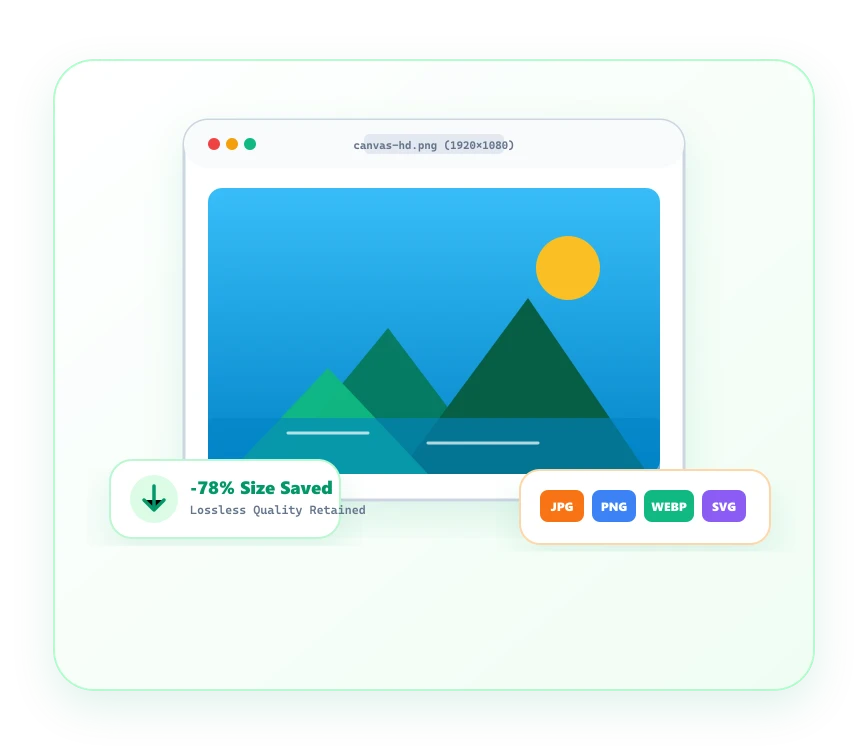
Fast, responsive browser editing for quick graphic adjustments, social media assets, and brand watermarking.
Stamp custom logos or text credits across your visual portfolios with customizable transparency and scaling.
Rotate orientation and mirror graphics across horizontal or vertical axes with zero loss in visual sharpness.
Generate high-impact social memes with classic Impact typography, custom outlines, and instant previewing.
Artwork, social content, and private snapshots are processed strictly in your local browser sandbox.
Common questions regarding Image Editor tools and client-side processing.
The category provides Photo Editor, Add Watermark to Image, Rotate Image, HTML to Image, and Meme Generator.
It renders HTML code snippets and CSS styles into downloadable PNG or JPG visual images.